Applet: A line determined by two vectors
Applet loading
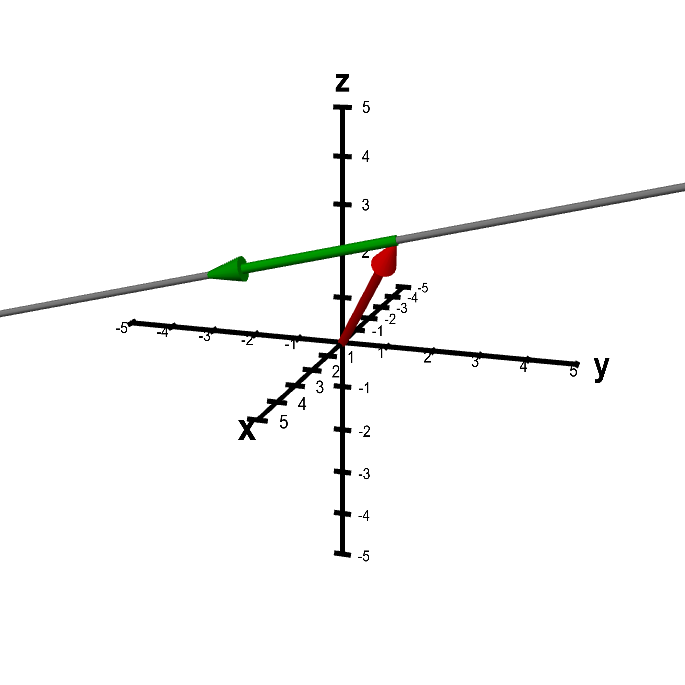
The position of the thick gray line is determined by the red and green vectors, as it is constrained to pass through the endpoint of the red vector and to be parallel to the green vector. You can move the vectors by dragging their tips with the mouse. If you drag elsewhere in the figure, the whole figure rotates. Rotating the figure can help give a three-dimensional perspective.
Applet links
This applet is found in the pages
General information about three.js applets
The applet was made using three.js and requires Javascript as well as a browser that supports WebGL. For most three.js applets, you can drag with the mouse to rotate the view, drag with the right button to pan, and zoom in/out with the mouse wheel. Many applets contain points that you can drag to change values of variables.